
Turn curiosity
into capability.
Computer Science and Software Engineering for Forms 1–6. Discover ideas, practise with interactive tools, and build real skills through our Zimbabwe syllabus-aligned learning paths.

For students
Structured lessons, challenges, quizzes and your own progress dashboard.
For tutors
Teach creatively, publish lessons, guide learners and mark practical work.
For principals
Monitor performance, enrolments, academic reports and quality reviews.
For administrators
Manage the academy, accounts, access and course assignments.
Our programmes Forms 1–6
Each form has its own lessons and activities, carefully sequenced for that level.
 FORM 1
Computer Science Form 1
Your first steps in computing and logical thinking.
 FORM 2
Computer Science Form 2
Build confidence with software, networks and code.
 FORM 3
Computer Science Form 3
Explore systems, visual programming and data.
 FORM 4
Computer Science Form 4
Apply advanced skills and prepare for examinations.
 FORM 5
Computer Science Form 5
Investigate architecture, algorithms and development.
 FORM 6
Computer Science Form 6
Design sophisticated solutions and computing systems.
 SOFTWARE ENGINEERING
Software Engineering Form 5
Software processes, design, projects and quality assurance.
SOFTWARE ENGINEERINGSoftware Engineering Form 6
Software processes, design, projects and quality assurance.
 CREATIVE LEARNING • REAL SKILLS
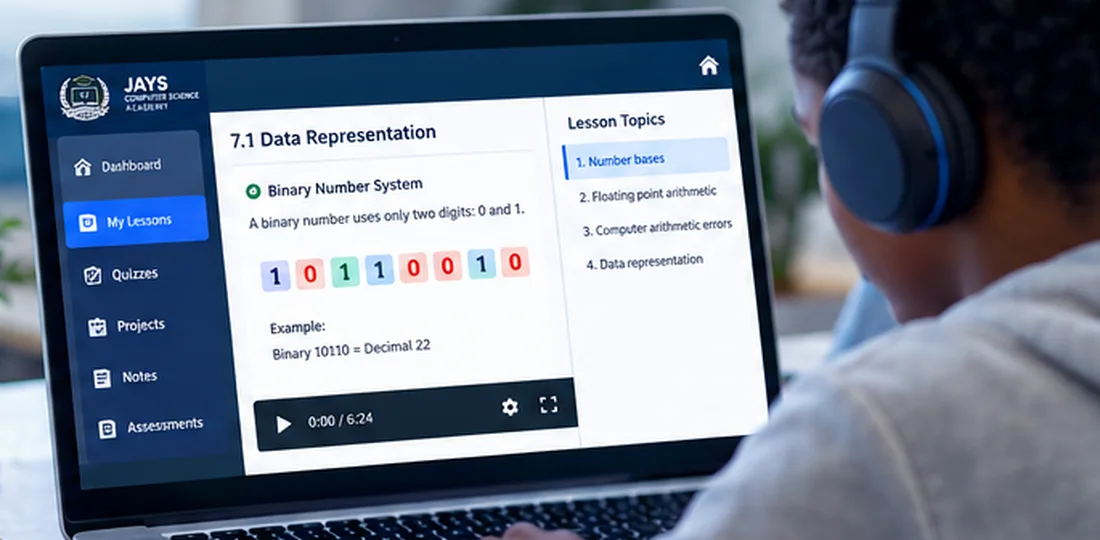
Lessons you can see, explore and practise.
Watch short demonstrations, study clear diagrams, experiment with binary conversion and logic gates, and submit your work for tutor feedback—all from one classroom.
From concepts to confidence.
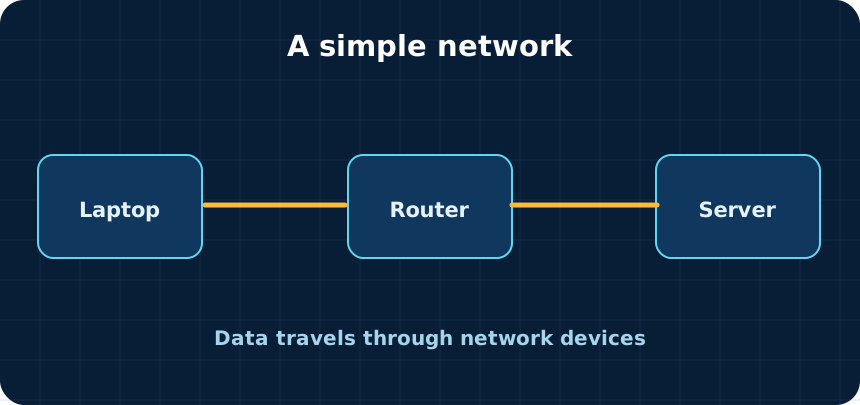
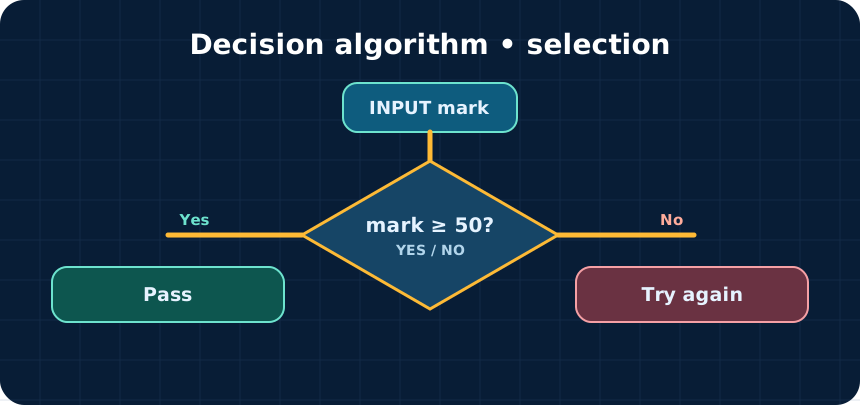
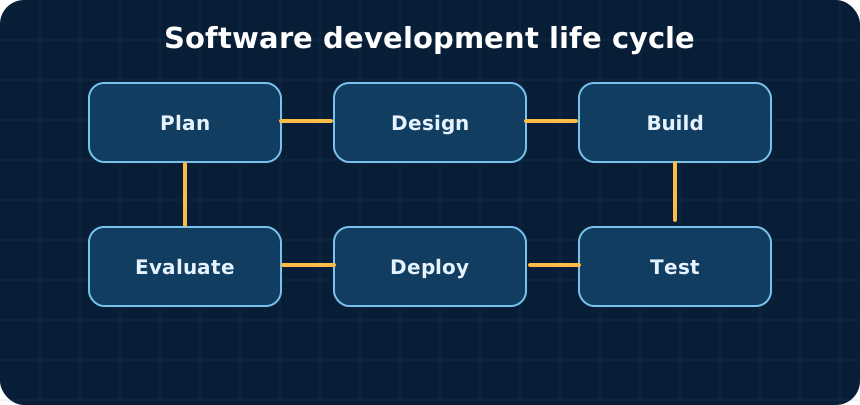
Diagrams connect the theory to what happens inside real systems.
Learn the theory. Build the future.
Choose the form you're studying and enter a learning environment built to help you understand, practise and grow.
Create your student account ↗Jays Computer Science Academy independently develops original teaching resources aligned to uploaded Ministry syllabi. Draft lessons are not labelled educator-approved until academy reviewers approve them. Software Engineering uses the uploaded historical syllabus.